
If you are searching for verified bm for sale, you have probably noticed one thing very quickly: the prices are all over the place. One listing asks a few dollars, another asks thousands, and very few sellers explain why. This guide breaks down what verified bm for sale offers really cost in 2026, shows the price tiers listed at BMVerified, and gives you a simple checklist to compare any seller before you pay.
By the end, you will know what affects the price, which details to ask about, and how to avoid paying more than you should for a verified Business Manager.
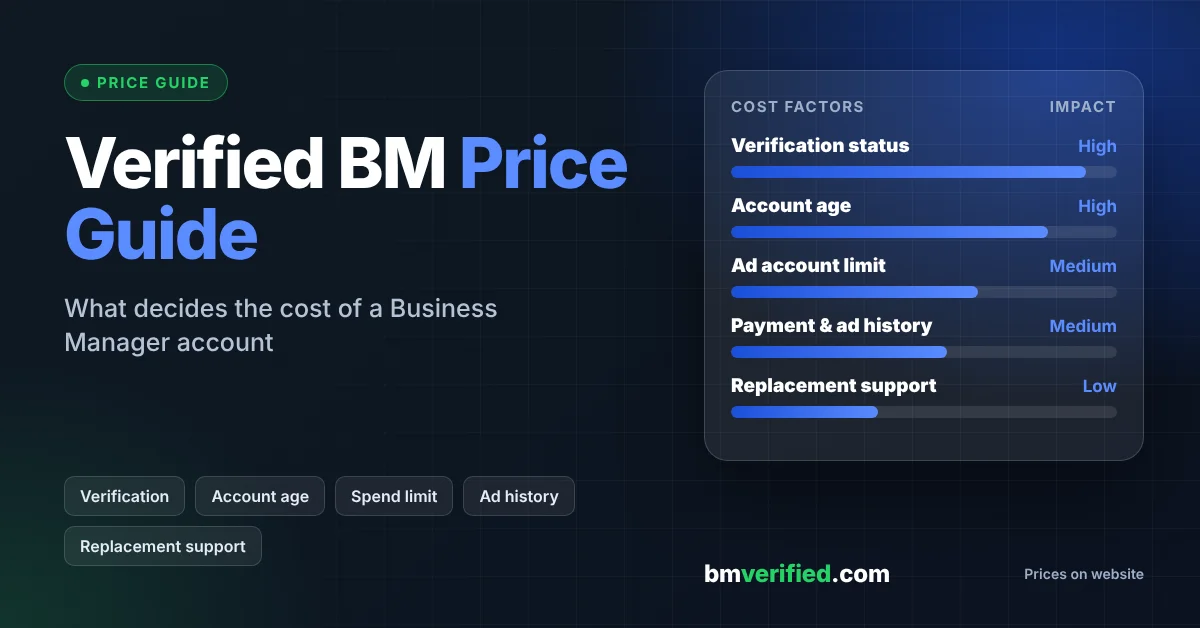
Table of Contents
- What Does Verified BM for Sale Actually Mean?
- Verified BM for Sale: 2026 Price Tiers at BMVerified
- 7 Factors That Change the Price
- How to Compare Verified BM for Sale Listings
- Verified vs Unverified BM: Is the Price Gap Worth It?
- Red Flags When Browsing Verified BM for Sale Offers
- What to Do Right After Delivery
- How to Keep Your Verified BM Healthy
- Frequently Asked Questions
- Final Thoughts on Verified BM for Sale
What Does Verified BM for Sale Actually Mean?
A Facebook Business Manager (BM) is a workspace where businesses organize ad accounts, Pages, people, and permissions in one place. Meta has been moving this workspace toward the “business portfolio” model, but most advertisers still call it a Business Manager or simply a BM.
Business verification is a separate step. Meta asks a business to submit details and documents so it can confirm the business is real. You can read the full process in Meta’s official business verification guide.
So when a seller lists a verified bm for sale, the claim is that the Business Manager is linked to a business that has already completed that verification. What you pay for is the prepared asset, the setup, and the support that comes with it.
One point matters before you look at any price. Verification does not guarantee ad approval, higher spending limits, or uninterrupted access. Meta’s policies and automated systems always decide the final outcome. A good seller will say this clearly, and so will we on our verified Business Manager service page.
Verified BM for Sale: 2026 Price Tiers at BMVerified
Many buyers ask for real numbers, so here are the prices currently listed in the BMVerified shop. The sale price is what you pay today, and the regular price is the listing’s original price.
| Listing | Sale Price | Regular Price | Note |
|---|---|---|---|
| Unverified BM | $4 | $5 | No business verification |
| Verified BM 1 | $46 | $69 | Lowest-priced verified BM |
| Premium Verified BM 3 | $59 | $99 | See product page |
| Verified BM 5 | $126 | $186 | Listing states a $250 spend limit |
| Verified BM 10 | $333 | $500 | See product page |
| Verified BM Unlimited | $1,600 | $3,000 | Highest tier listed |
| Verified BM 1 + WhatsApp API (250 conversations) | $36 | $66 | WhatsApp API included |
| Verified BM 1 + WhatsApp API (2K conversations) | $79 | $144 | WhatsApp API included |
| Verified BM 1 + WhatsApp API (10K conversations) | $460 | $666 | WhatsApp API included |
| Verified BM 1 + WhatsApp API (100K conversations) | $1,888 | $2,366 | WhatsApp API included |
Prices were taken from the BMVerified shop in October 2026 and can change. Always confirm the current price and what is included on the product page before you order.
As you can see, verified bm for sale prices cover a very wide range. The right tier depends on how much you plan to spend on ads, whether you need WhatsApp API access, and how many accounts you manage.
7 Factors That Change the Price of a Verified BM
Two sellers can both advertise a verified bm for sale and still charge very different amounts. These are the factors behind the gap.
- Verification status. A Business Manager that completed verification costs more than an unverified one, because the verification step takes time, documents, and review.
- Tier or spend capacity. Higher tiers are listed with higher advertising capacity, and the price rises with them. Capacity is still subject to Meta’s systems.
- Attached assets. A BM bundled with WhatsApp API access, Pages, or ad accounts is a bigger package than a BM alone.
- Account age and history. Older, cleaner histories are generally easier to work with and usually cost more.
- Security setup. Recovery email, two-factor authentication, and clear admin control all add real value.
- Support and replacement terms. A seller who offers replacement support and fast answers builds that cost into the price.
- Delivery method. Instant delivery over WhatsApp or Telegram needs staff and a working process, which costs more than a slow, manual handover.
When you compare verified bm for sale offers, ask which of these seven factors each price includes. A low price with none of them is rarely a bargain.
How to Compare Verified BM for Sale Listings
A cheap listing can become expensive if the account stops working a week later. Use this short checklist whenever you review a verified bm for sale listing.
Ask for a clear written description
The listing should say exactly what you receive: the type of Business Manager, any attached assets, and what login or recovery details are included. If a seller cannot describe the product in plain words, move on.
Read the replacement and refund policy
Find out what happens if there is a problem after delivery. Check how long the support window lasts and which issues are covered.
Test the service with a smaller order
If you plan to buy several accounts, start with one lower-priced tier. You can judge delivery speed, communication, and account quality before you commit to a larger order.
Check how the seller communicates
A real seller answers questions before payment, not only after. Fast, clear replies on WhatsApp or Telegram are a good early signal.
Compare total value, not only the headline price
Put two or three listings side by side and compare what each includes. The lowest price is only a good deal if the support, security setup, and delivery are comparable.
You can also review the products, support options, and ordering steps on our verified Business Manager service page and use the same checklist on it.
Verified vs Unverified BM: Is the Price Gap Worth It?
An unverified Business Manager costs only a few dollars, while a verified one costs noticeably more. So is the extra money worth it?
It depends on your goal. An unverified BM can be enough for basic tasks, such as organizing Pages or testing a simple setup. A verified BM is built for businesses that need an established identity for certain Meta features and workflows. WhatsApp Business API access is a common example, since it requires a verified business in many cases.
Here is a simple way to decide:
- Choose an unverified BM if you only need a basic workspace and do not need verification-dependent features.
- Choose a verified BM if you plan to run ads at a steady scale or connect WhatsApp API.
- Choose a bundle that includes WhatsApp API if messaging is a core part of your plan.
Remember that neither type guarantees results. The extra cost buys a stronger starting point, not a promise.
Red Flags When Browsing Verified BM for Sale Offers
Because demand is high, many low-quality offers appear in search results. Watch for these warning signs when you look at any verified bm for sale listing.
- Guaranteed results. No seller can promise ad approval, permanent access, or fixed spending limits. Meta controls those outcomes.
- Prices far below the market. A verified listing priced at the same level as an unverified one deserves questions.
- Vague product details. If the listing never explains what is included, you cannot hold the seller to anything.
- No support after payment. Sellers who disappear once paid leave you without recourse.
- Pressure to pay immediately. Serious sellers let you ask questions first.
- Unclear “unlimited” claims. Spending limits are set by Meta’s systems and can change. Ask exactly what the word means in that listing.
Avoiding these red flags matters more than finding the lowest price. A fair price from a seller who explains everything usually costs less in the long run.
What to Do Right After Delivery
The first hour after you receive a verified BM is the most important. Take these steps before you start using it for ads.
- Log in and review the account. Confirm the details match what the seller described.
- Update security. Change passwords, confirm the recovery email, and check that two-factor authentication works.
- Review roles and access. Make sure you control the admin roles and remove anyone who should not have access.
- Check the verification status. Look in your Business settings for the verification information. Labels change from time to time, so use the Meta Business Help Center if something looks different.
- Save your records. Keep your order details and any messages from the seller in case you need support.
If anything does not match the listing, contact the seller straight away. Replacement windows are usually limited, so quick action protects you.
How to Keep Your Verified BM Healthy
Buying a verified BM is only the first step. How you use it decides how long it stays in good standing.
- Follow the rules. Read the Meta Advertising Standards and make sure every ad follows them.
- Scale gradually. Sudden jumps in spend or activity can trigger automated reviews. Increase budgets in steps.
- Keep business details accurate. Use genuine business information and keep it consistent across your assets.
- Limit access. Share admin access only with people you trust, and review the list regularly.
- Respond to Meta notices quickly. If Meta asks for information, answer promptly and honestly.
These habits protect your investment far better than any price comparison does.
Frequently Asked Questions
How much does a verified BM for sale cost in 2026?
Prices range from a few dollars for an unverified BM to well over a thousand dollars for the highest tiers. At BMVerified, verified listings currently start in the $36 to $46 range for entry options and rise by tier and by attached assets. Check the shop for the latest prices.
Is buying a verified BM for sale safe?
Safety depends on the seller and on how you use the account. Choose a seller with clear product details, support, and replacement terms, and follow Meta’s policies after delivery. No seller can remove the platform’s own risks.
What is included when I buy a verified BM?
That depends on the listing. Read the product page to see what is included, such as recovery details, security setup, or WhatsApp API access. Ask the seller to confirm anything that is unclear before you pay.
What is the difference between a verified BM and an unverified BM?
A verified BM is connected to a business that completed Meta’s verification process, while an unverified BM has not. Verification can support certain features and workflows, but it does not guarantee ad approval or spending limits.
How fast is delivery for a verified BM for sale?
BMVerified lists delivery on WhatsApp or Telegram, usually within minutes after payment is confirmed. Timing can vary with the product and the payment method.
Final Thoughts on Verified BM for Sale
The right verified bm for sale offer is not the cheapest one. It is the one that clearly explains what you get, supports you after delivery, and fits your actual advertising plan. Compare the price factors, use the checklist, and stay away from guarantees that no seller can keep.
When you are ready, explore our verified Business Manager service to see current tiers, WhatsApp API bundles, and ordering options. Our team can answer your questions on WhatsApp or Telegram before you place an order.